
Coupons
To create a coupon, click Coupons in the left sidebar. Enter a coupon code or generate one automatically, then choose between a fixed-amount discount or a percentage-based discount.
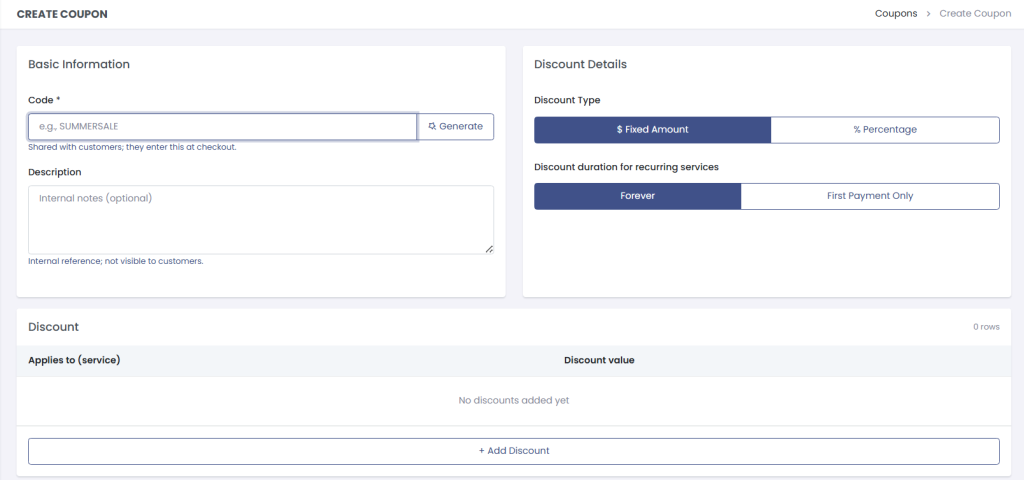
When setting the discount amount, you can select individual services it will apply to, or choose All Services.
Click the + Add discount button to create another discount for this coupon code, each targeting different services with its own discount amount.

Redemption Limits
You can control how coupons are used with several redemption options:
- Limit to one use per customer – Each client can only use the coupon once
- Limit to new customers only – Coupon is only available to new clients
- Set expiry date – Coupon expires on a specific date
- Require a minimum cart amount – Coupon only works above a certain purchase value